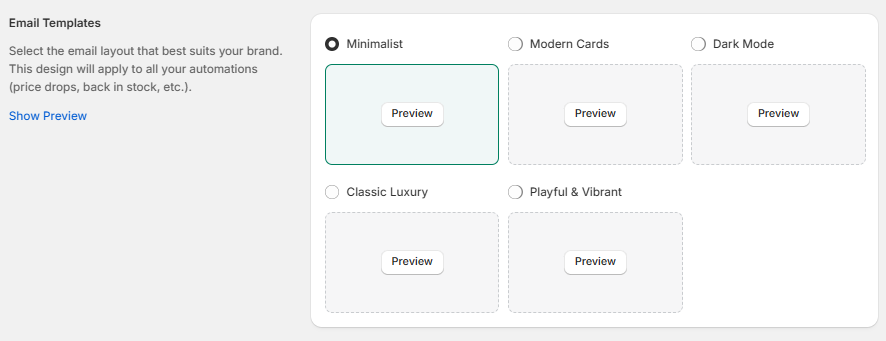
Dashboard
Wishlist Flow - App Dashboard Guide
Welcome to your Wishlist Flow Dashboard. This guide will help you understand how to navigate the app's control center, complete your setup, and manage integrations.
1. Setup Guide Section
The Setup Guide card keeps track of your onboarding progress. To make the wishlist fully functional, ensure all tasks are completed.
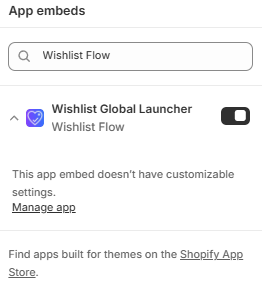
- Enable Theme App Extension (Completed): This confirms that the core wishlist script is active on your live theme.
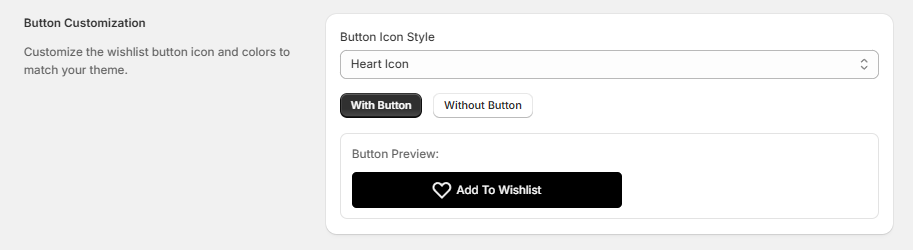
- Branding & Customization (Completed): Confirms that you have configured your button colors, icons, and layout styles.
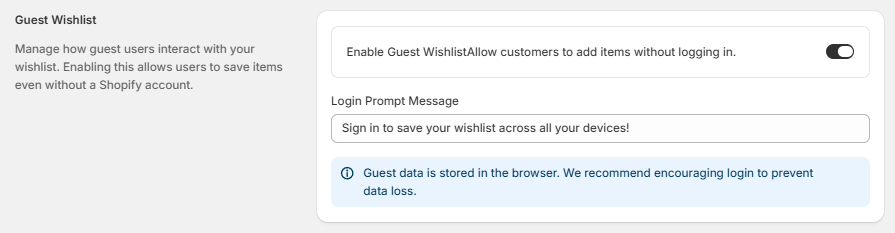
- Guest User Syncing (Completed): Confirms that guest user wishlist tracking is active.
- Connect your Marketing Tools (Action Required):