App Settings
Integrations Guide
Connect your preferred marketing automation tools to sync customer data, track wishlist activities, and launch highly targeted marketing campaigns.
1. Supported Integration Platforms
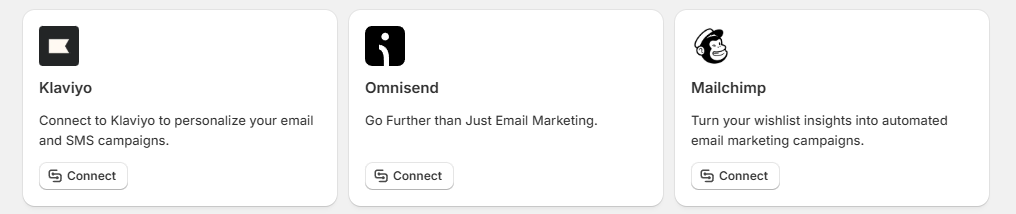
The dashboard provides direct connection shortcuts to three major email and marketing automation suites:
- Klaviyo: Connect your account to personalize your customer email and SMS campaigns based on live wishlist intent data.
- Omnisend: Sync your data profiles to go beyond basic messaging routines and build multi-channel customer workflows.
- Mailchimp: Turn your collected store wishlist insights into automated email marketing newsletters and trigger loops.
Connection Actions:
- Each platform card features a dedicated "Connect" button to initiate the account linking pipeline.
2. Platform Connection Modal Overlay
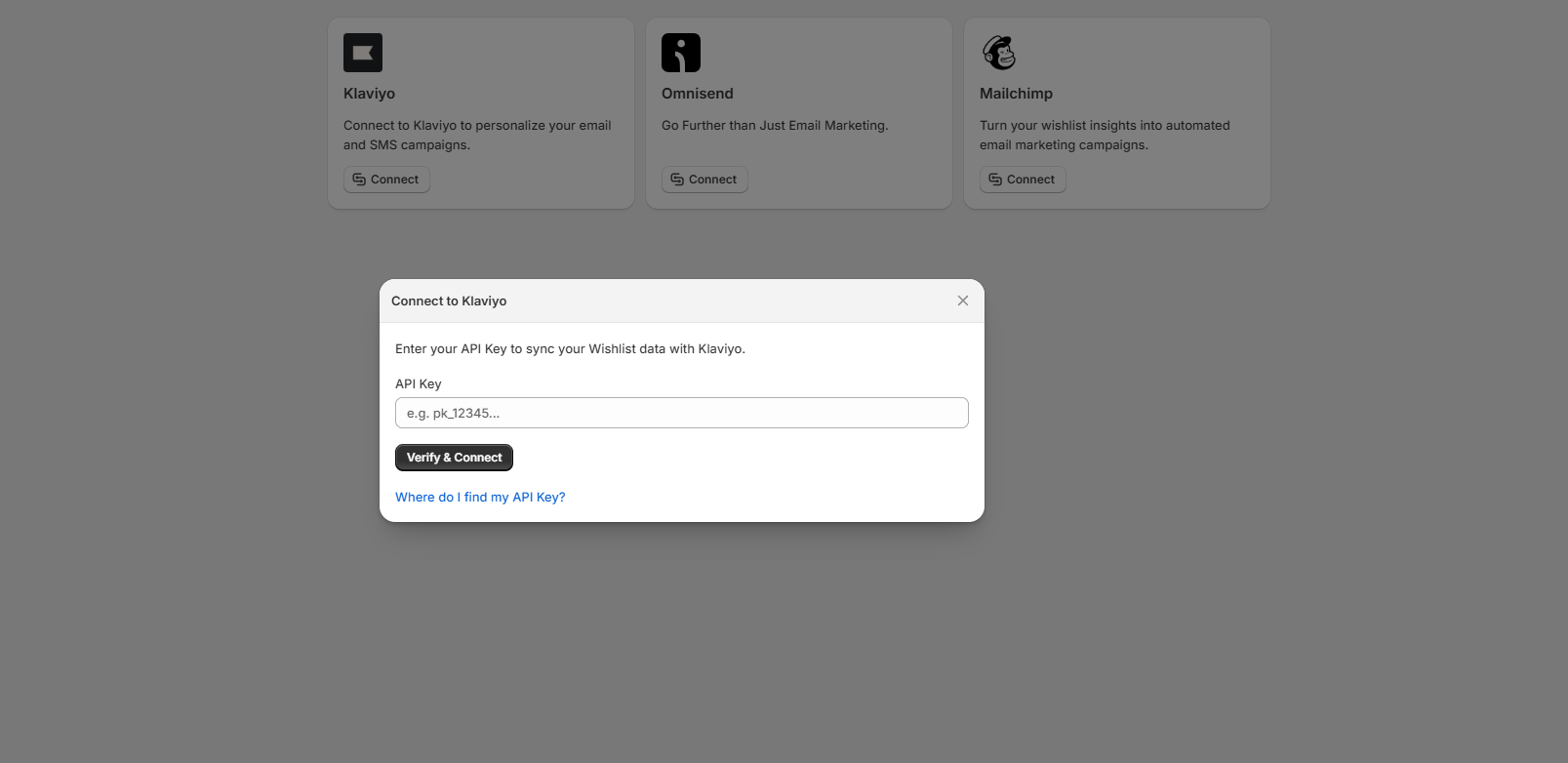
Clicking the "Connect" button on any integration card opens a centralized, secure verification window (e.g., "Connect to Klaviyo" modal view):
- API Authorization: Paste your secret API token or security credential string from your target provider directly into the "API Key" input field (featuring placeholder helper text e.g. pk_12345...).
- Verification Actions: Click the "Verify & Connect" action button to let the system validate your API key permissions and initialize the live background sync pipeline.
- External Documentation Links: If you are unsure where to generate your credentials, click the blue text link labeled "Where do I find my API Key?" to access external platform documentation steps.
- Modal Close: Click the circular "X" close button icon in the upper-right corner of the modal header to safely close the configuration window without saving changes.