Common customization for bundles
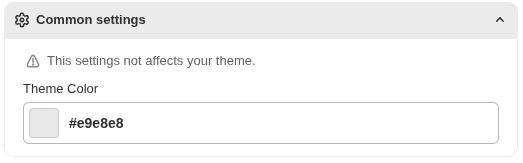
1. Common settings that will apply in all
This setting not affects your theme this is only for preview.
2. Title Settings
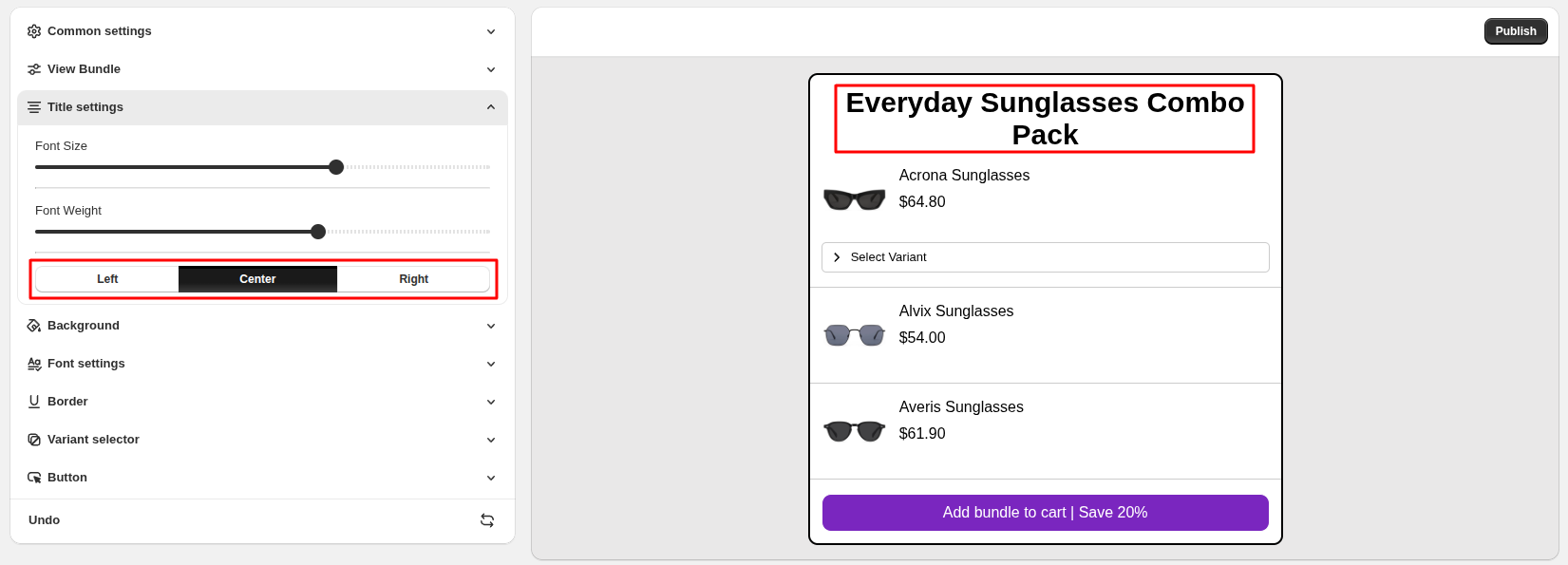
Adjust the size of the bundle title
Font Size : Control how bold or light the title text appears
Font Weight : Customers can add only one item from the add-on list to their cart
Text Alignment : Choose whether the title is aligned Left, Center, or Right
3. Background Settings
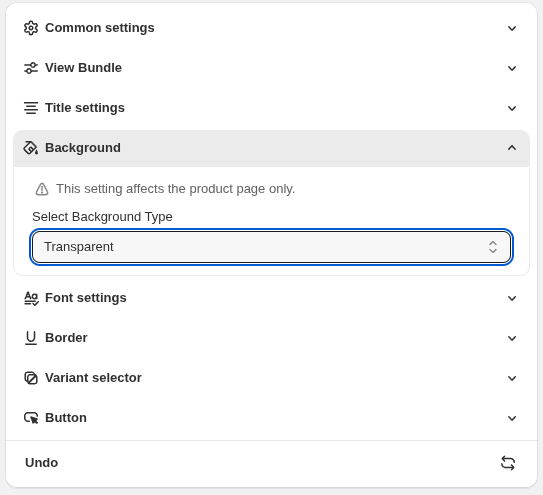
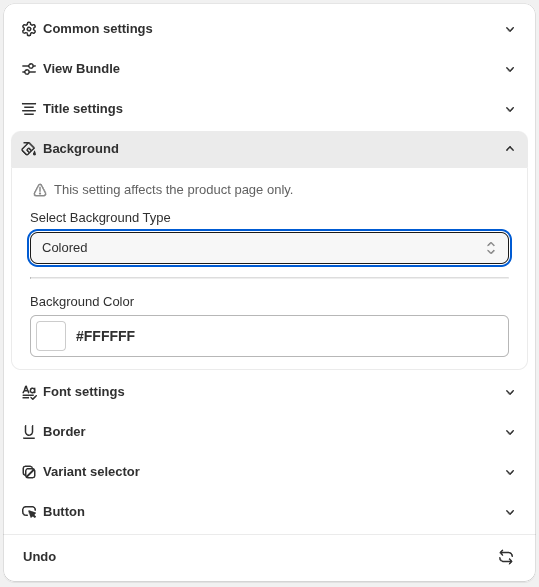
The Background option lets you control the background style of the bundle on the product page.
Select Background Type :
Transparent : The bundle blends seamlessly with your store’s theme backgroundColored : Apply a custom background color to highlight the bundle
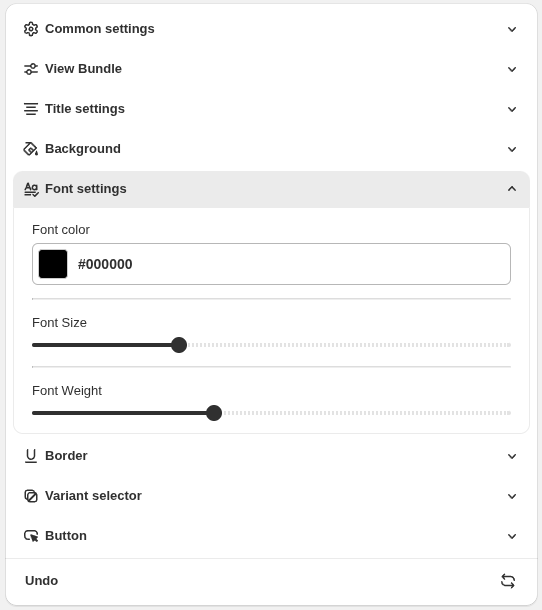
4. Font Settings
The Font Settings allow you to customize the text appearance of the bundle on the product page.
Font Color : Choose the color of the bundle text to match your store’s theme
Font Size : Adjust the size of the text for better readability
Font Weight : Control how bold or light the text appears
5. Variant Selector Settings
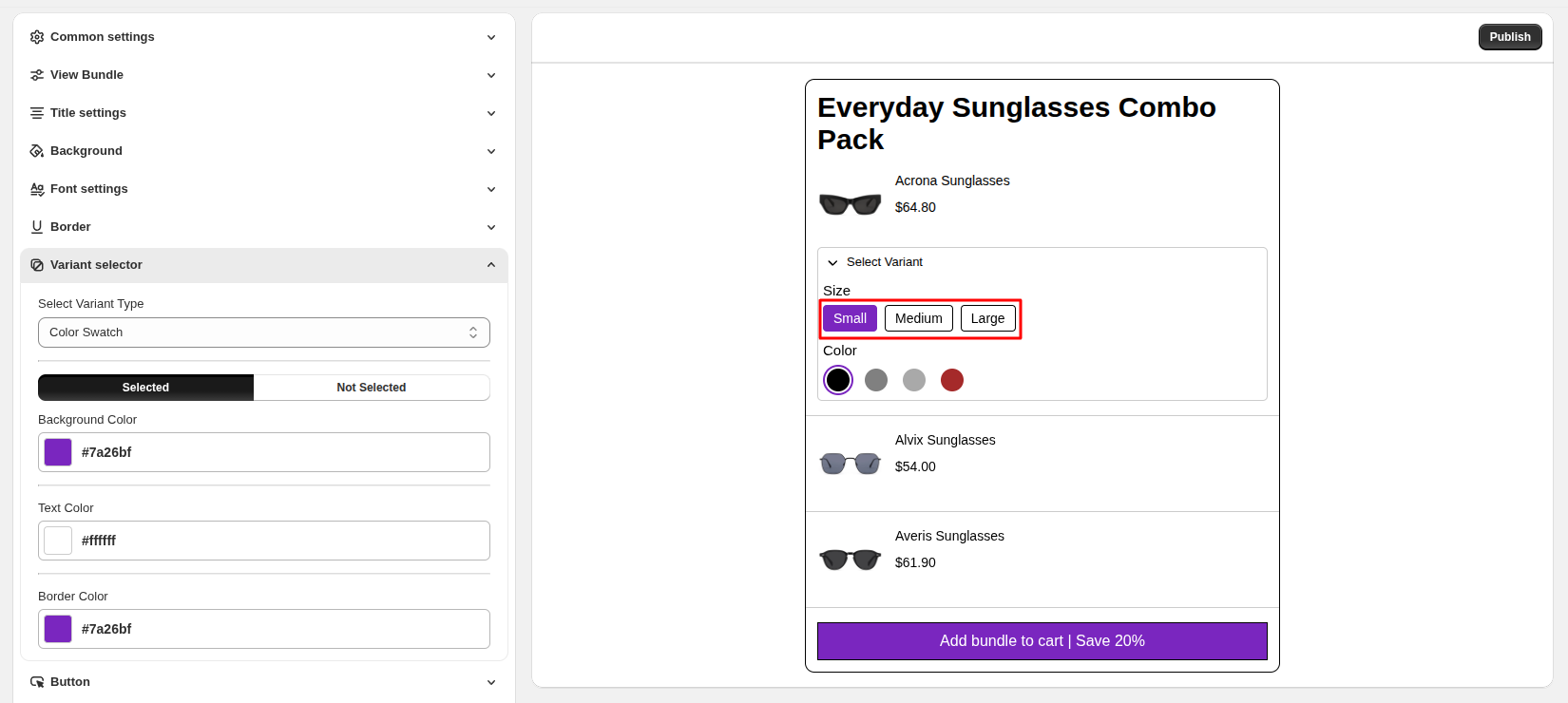
The Variant Selector allows customers to choose product options directly within the bundle
Select Variant Type : Choose how variants are displayed (for example, Color Swatch or other supported styles)
Selected / Not Selected Styles : Customize the appearance of selected and unselected variant options
Background Color: : Set the background color for selected variants
Text Color : Choose the text color for variant labels
Border Color : Customize the border color for variant options
6. Button Settings
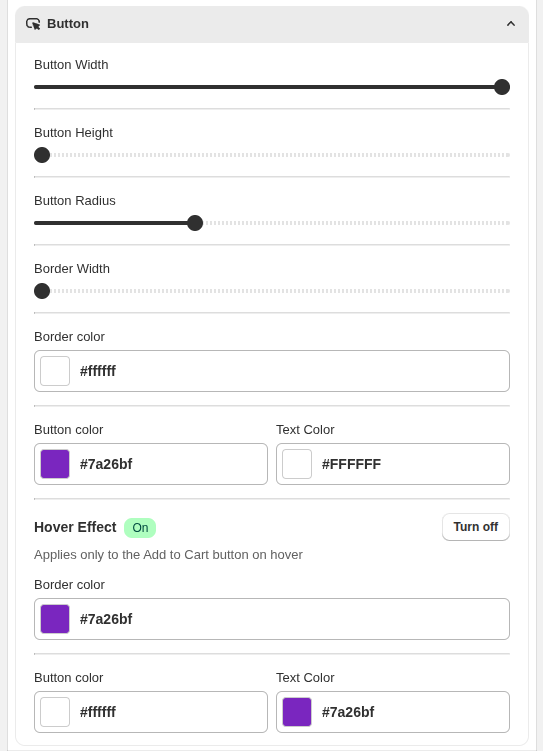
The Button Settings allow you to customize the appearance of the Add to Cart button in the bundle.
Button Width & Height : Adjust the size of the button to fit your layout
Button Radius : Control the roundness of the button corners
Border Width & Color : Customize the thickness and color of the button border
Button Color & Text Color : Choose colors that match your store branding
7. Undo Changes
The Undo option allows you to revert the most recent changes made to the bundle settings.
Use this feature to quickly restore previous settings if you make a change by mistake.
