How to Create a Buy X Get Y Bundle
The step-by-step explanation of how to create a Buy X Get Y Bundle:
1. Click on the "Create bundle" button from your Bundle Wave app homepage
Click on the "Create bundles" button located on the Home or Bundles tab. This will open up the bundle creation menu for you.
2. Choose the Buy X Get Y type
In this case, we choose the "Buy X Get Y" type:

3. Define the X section
In the first part, you'll have to decide between the two types of settings for the X section.
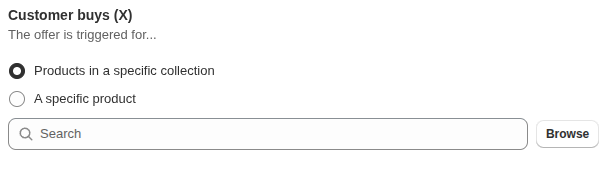
Product in specific collection :
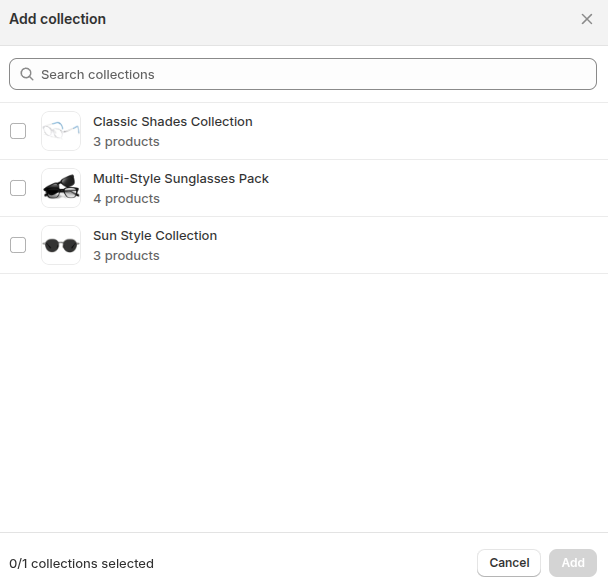
Specific Product :
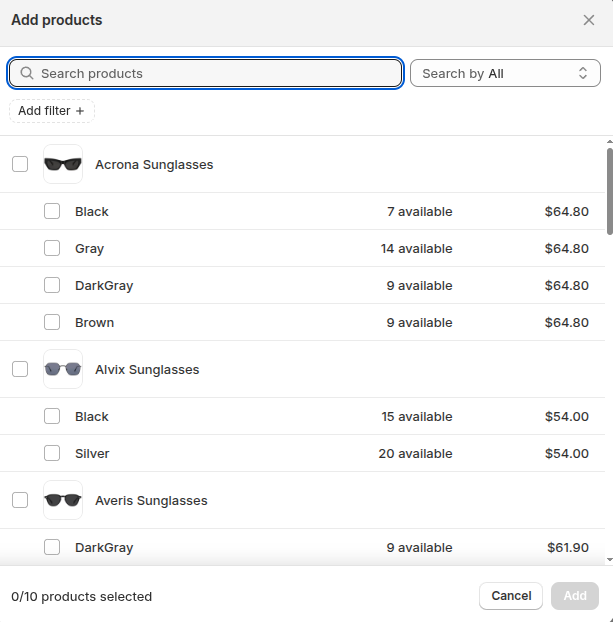
4. Define the Y section
In this part, you can just add from the list of products. The collections are not available.

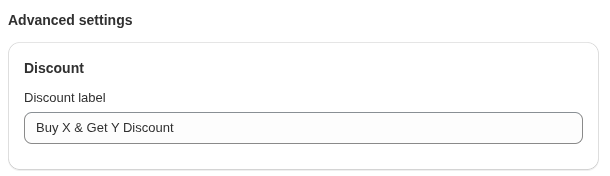
5. Set discount label
This label appears on the discounted bundle items in your cart.
6. View your bundle on your shop
You can view your bundle on your shop from the "Preview" button in the right-hand corner of the "Update bundle" page and view your bundle in Store.
