Customization
How Can I Customize Upsell Bundle and Cart Drawer Appearance?
1. Upsell Bundle & Cart Drawer
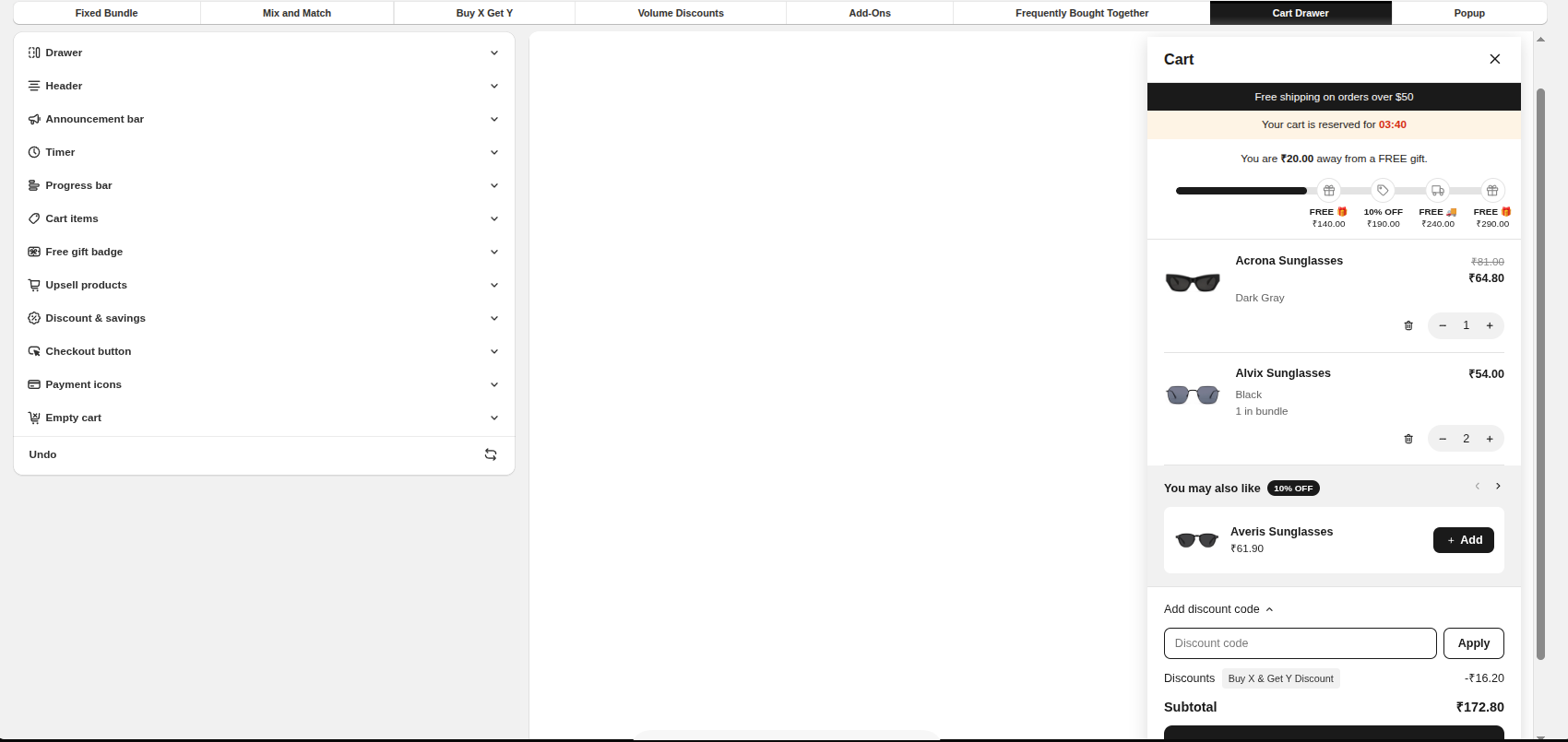
customize full cart drawer
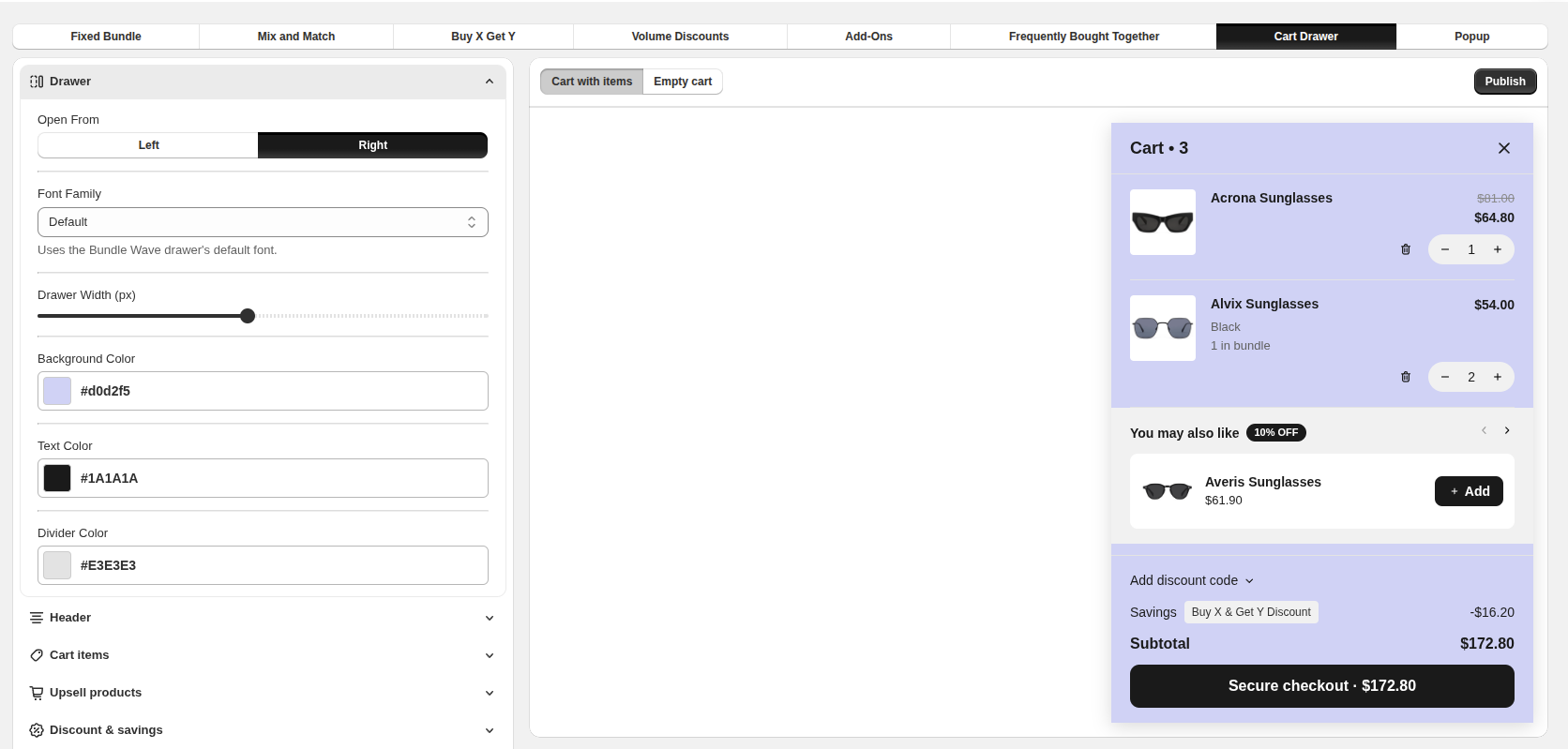
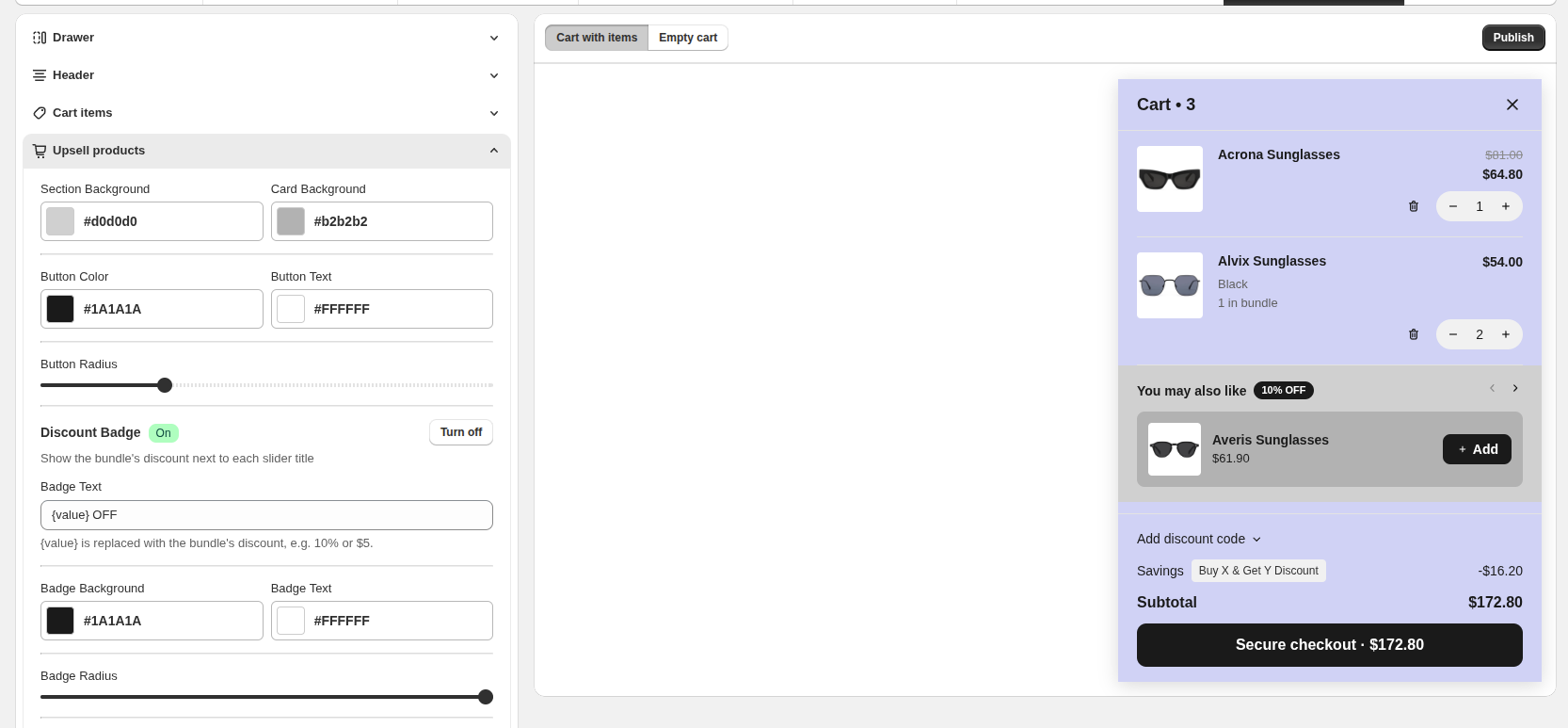
customize upsell bundle design
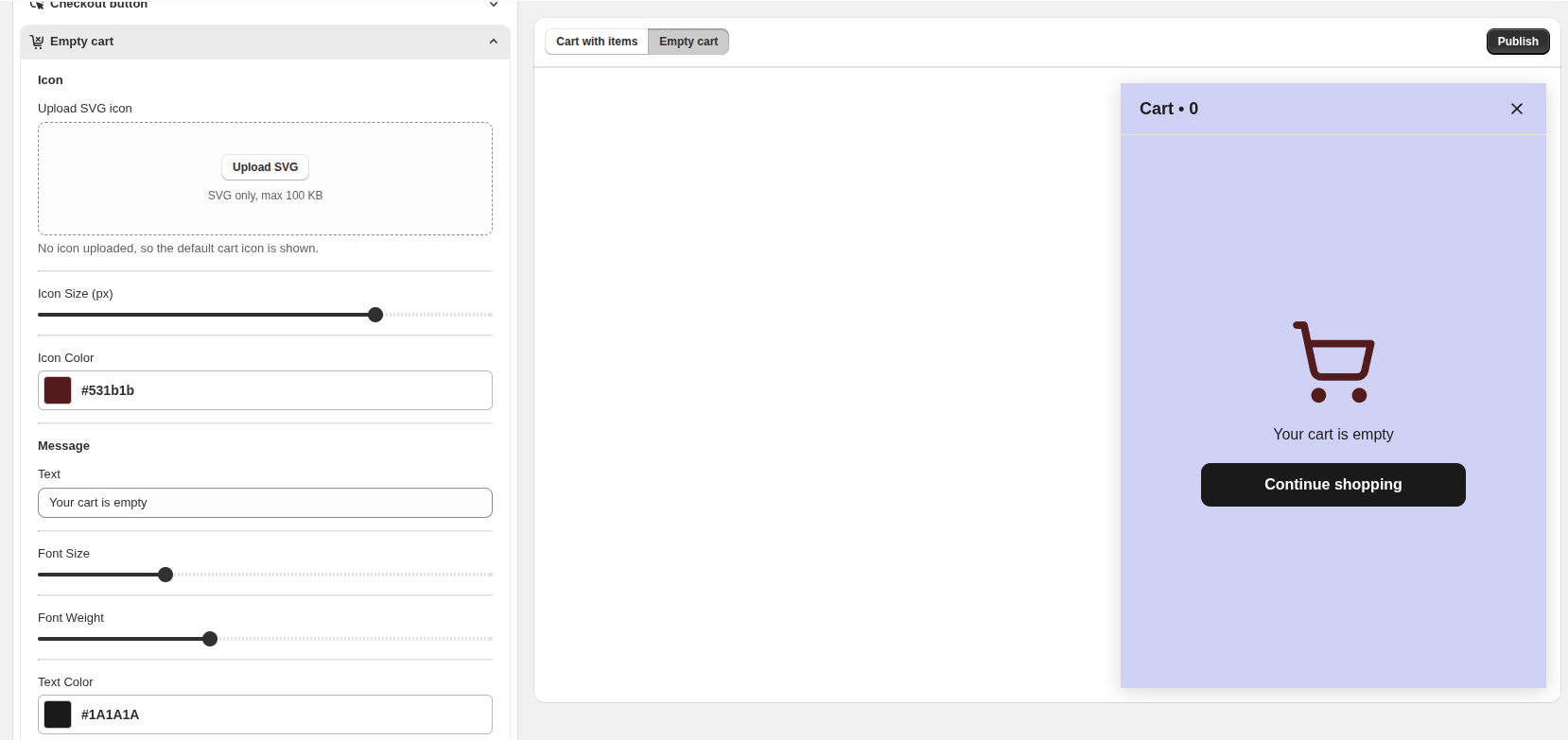
empty cart design
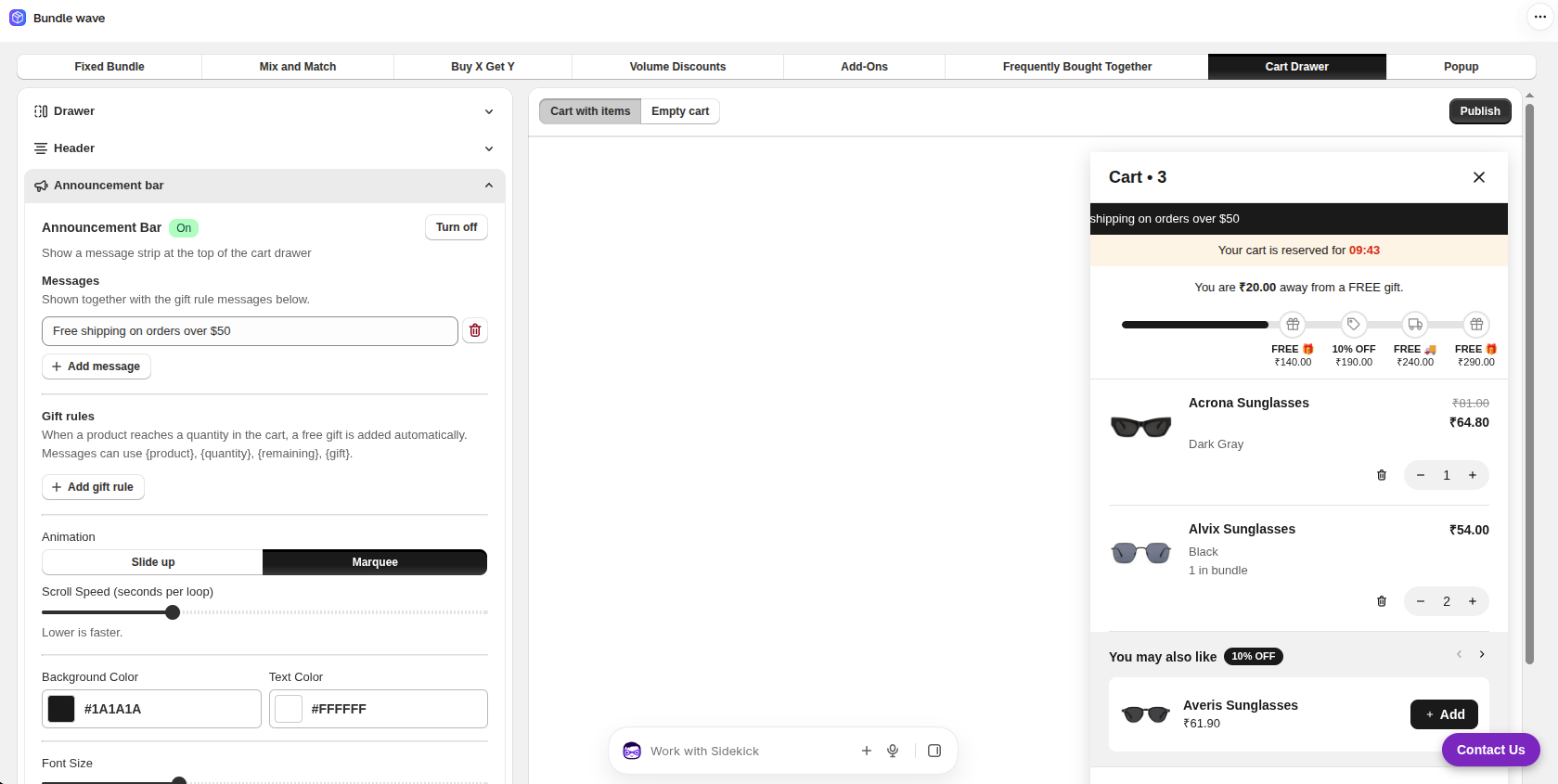
- Cart Amount-Based Progress Bar: Display a progress bar based on the cart amount to encourage customers to add more products and unlock rewards.
- Announcement Bar: Provide an option to display an announcement bar to highlight special offers and promotions.
- Offer Timer: Allow merchants to set a countdown timer for offers to create urgency and encourage customers to complete their purchases.
- Customizable Progress Bar Rules: Allow merchants to configure different rewards based on the cart amount:
- Free Gift: Offer a fixed free gift when the cart reaches a specified amount.
- Free Shipping: Unlock free shipping when the cart reaches a specified amount.
- Order Discount: Apply a discount to the entire order when the cart reaches a specified amount.
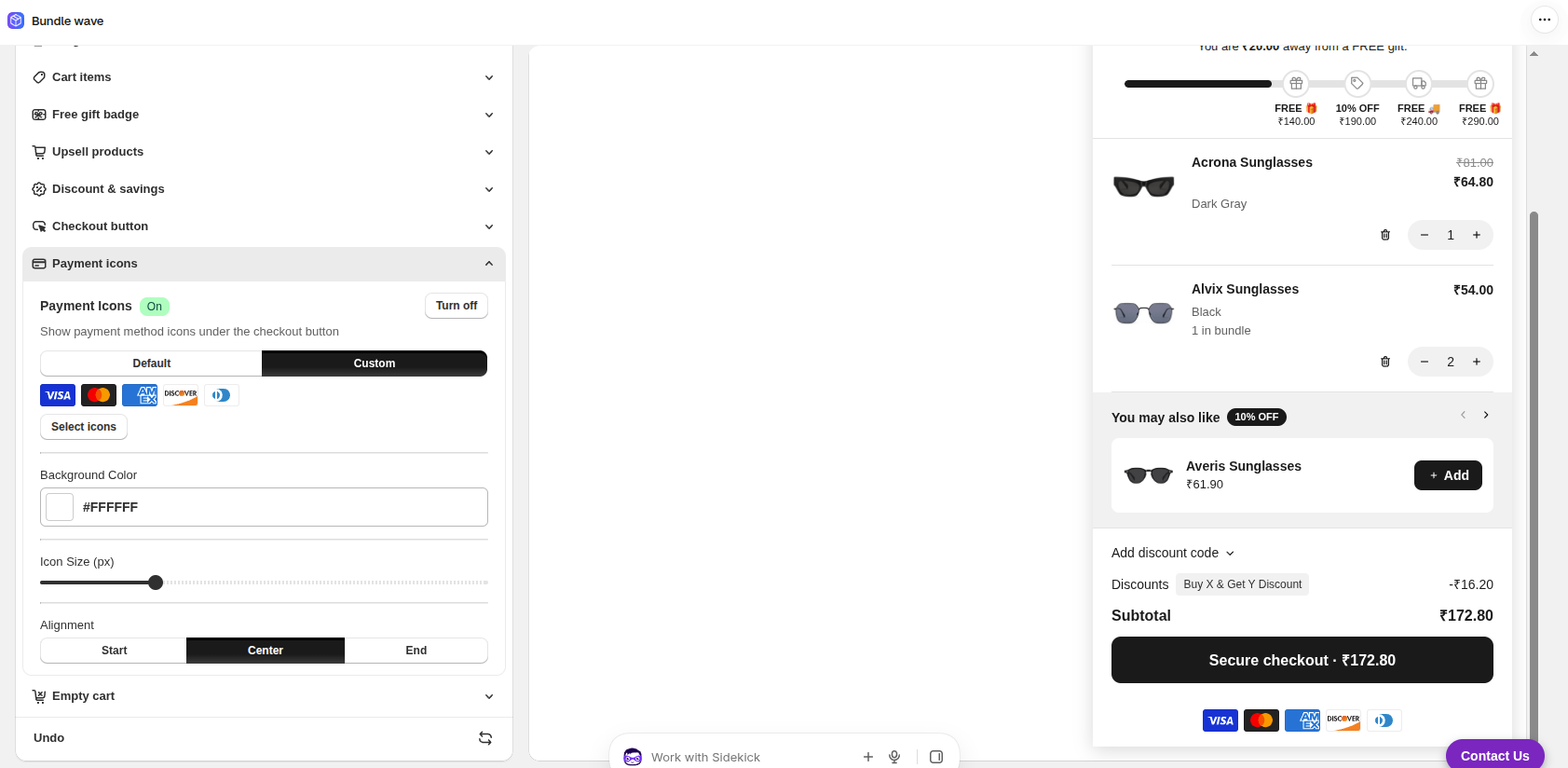
Payment Options and Icons: Display payment option icons in this section. By default, the available payment icons are automatically provided by Shopify. Merchants can also customize the displayed icons by selecting from a predefined list or uploading their own custom payment icons.