How to Create a Fixed Bundle
Here step-by-step explanation of how to create a Fixed Bundle :
1. Click on the "Create bundle" button from your Bundle Wave app homepage
Click on the "Create bundles" button located on the Home or Bundles tab. This will open up the bundle creation menu for you.
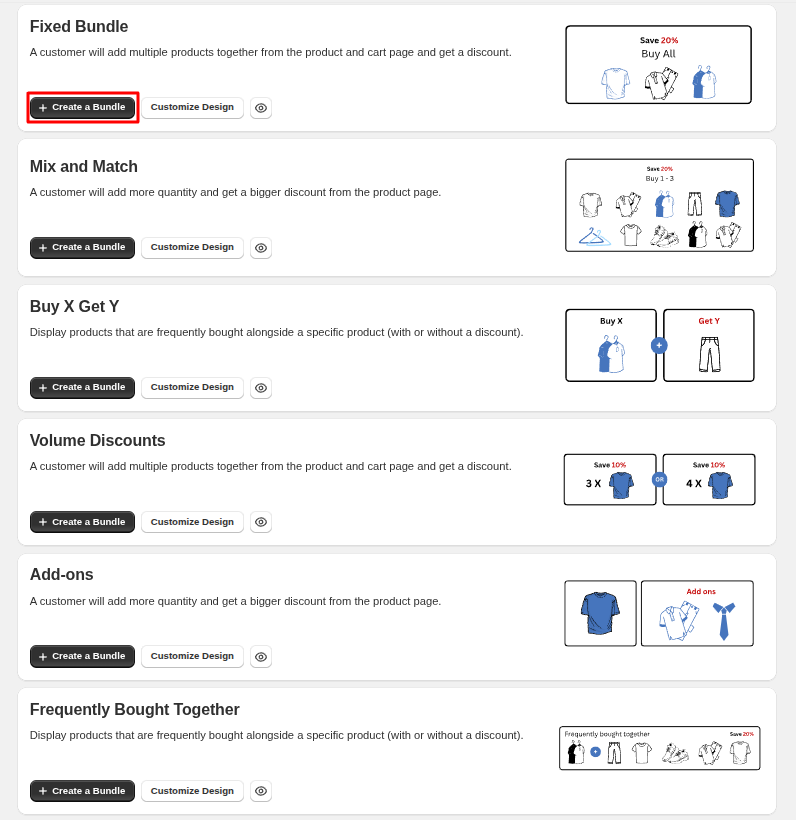
2. Choose the fixed bundle type
In this case, we choose the "Fixed Bundle" type:
3. Select products
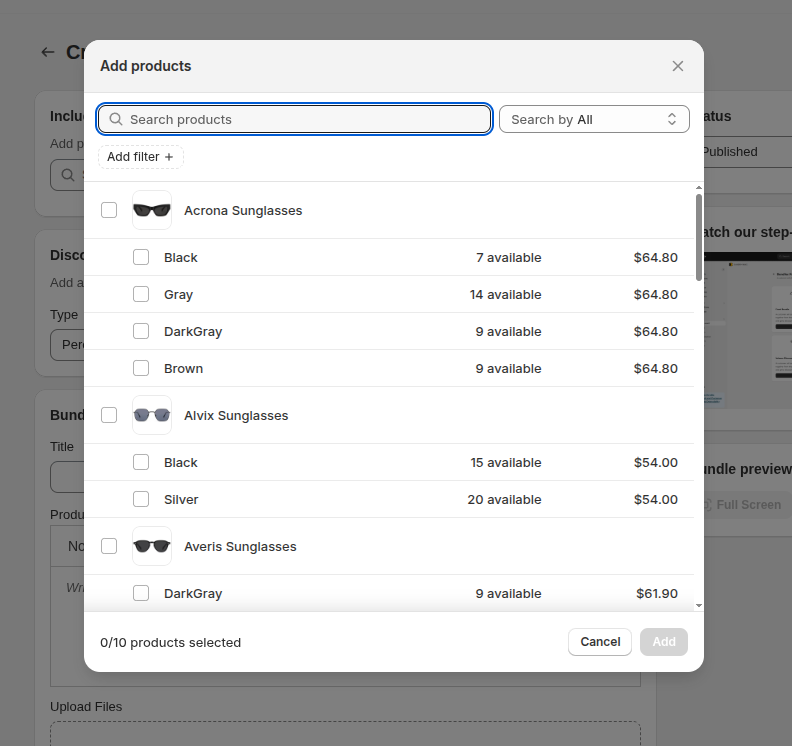
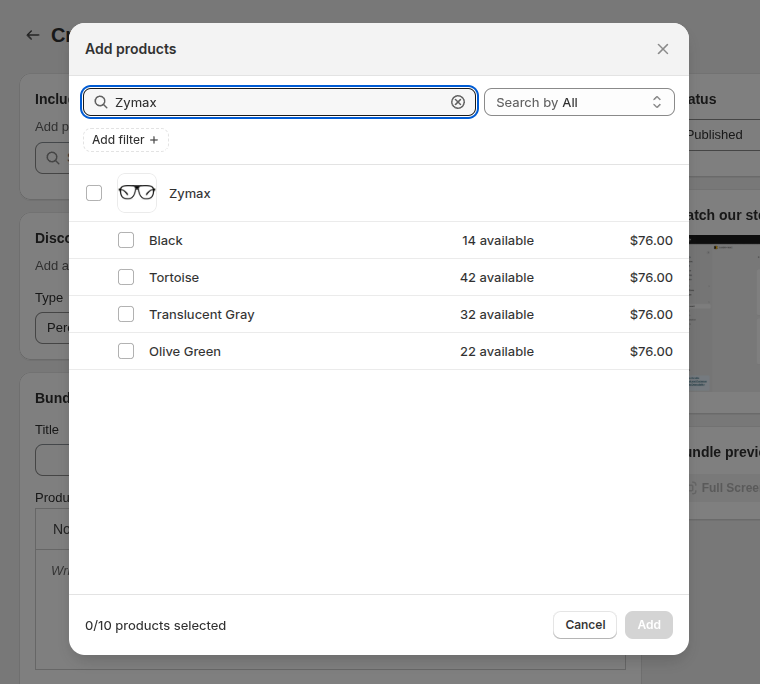
Select the products you want to bundle together by searching their name. You can also use the product SKU to search and find the product. Searching by SKU will only bring up one product at a time, as it matches the entire string of product SKUs. To find a specific product, enter its exact SKU in the search bar.
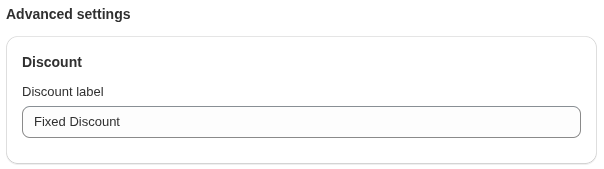
4. Set discount label
This label appears on the discounted bundle items in your cart.
5. View your bundle on your shop
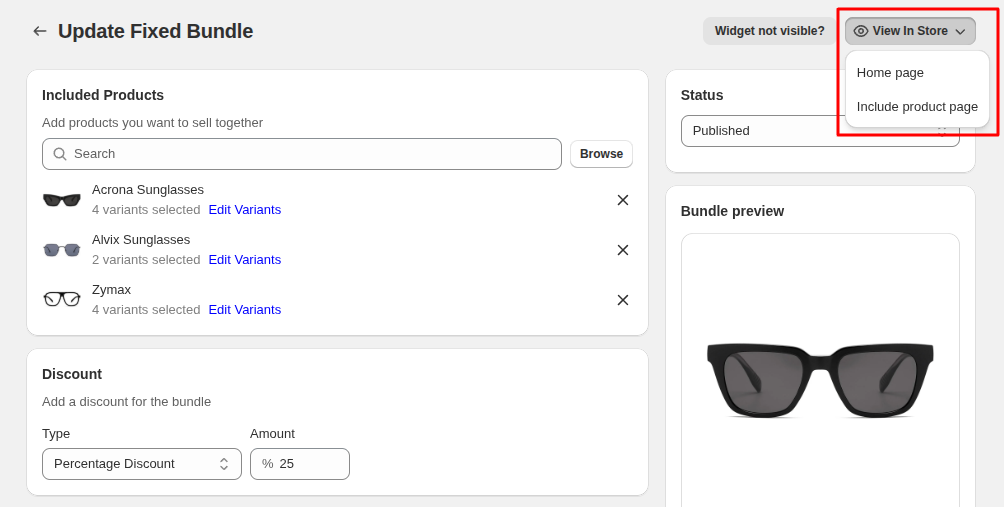
You can view your bundle on your shop from the "Preview" button in the right-hand corner of the "Update bundle" page and view your bundle in Store.