How to Create a Frequently Bought Together Bundle
The step-by-step explanation of how to create a FBT Bundle :
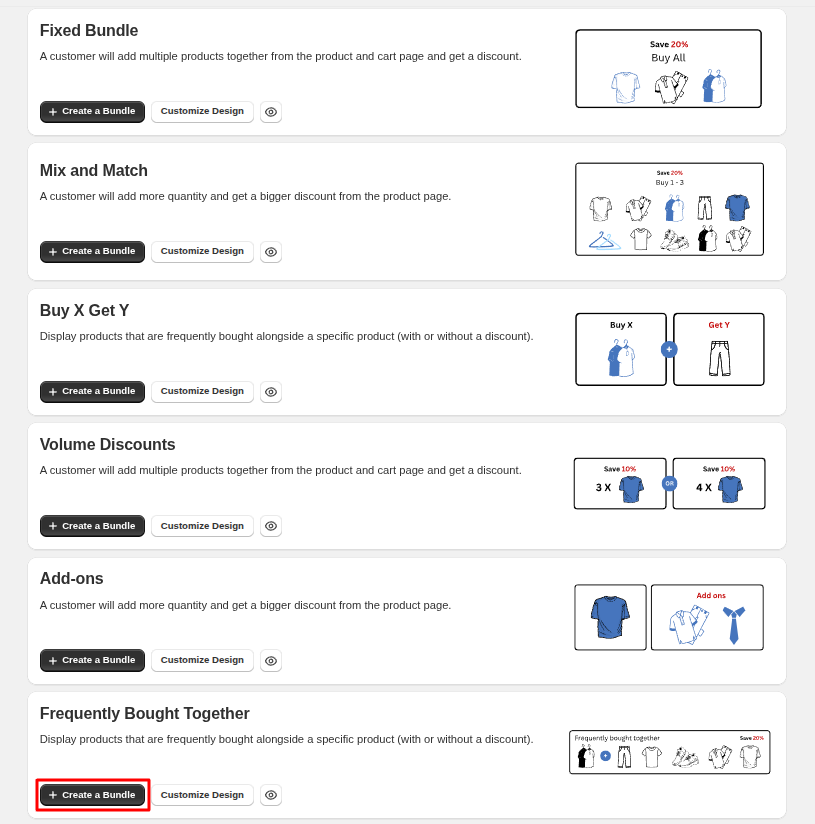
1. Click on the "Create bundle" button from your Bundle Wave app homepage
Click on the "Create bundles" button located on the Home or Bundles tab. This will open up the bundle creation menu for you.
2. Choose bundle type
Then, choose the “Frequently Bought Together” type of bundling from the options.
3. Choose the FBT type
You can choose the type of FBT bundle you'd like to make. You have two options :
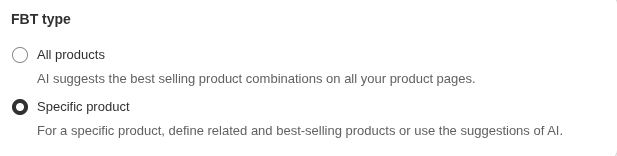
- Â By selecting "Specific product," you choose the main and the offered products yourself.
- Â By selecting "All products," Bundle Wave creates an FBT for all your products. This feature is not available in the Free plan.
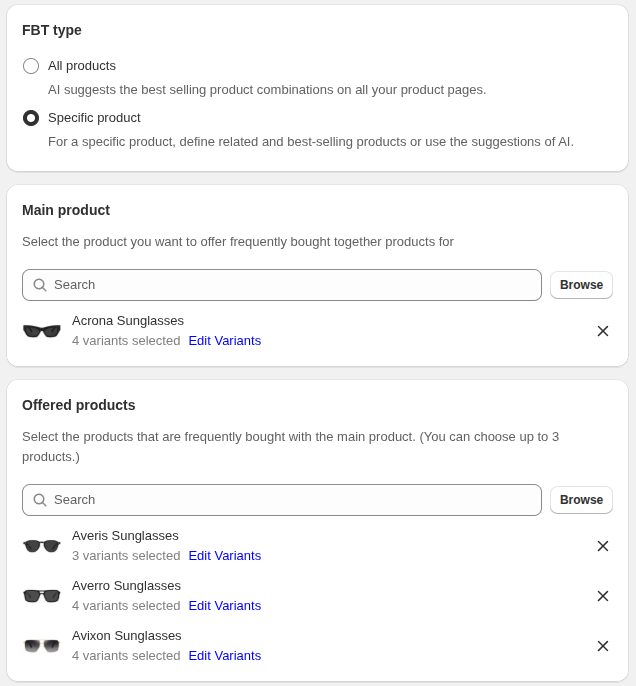
4. Choose Main and Offered Products
If you choose "Specific product," you can choose your “Main product” and “Offered products” (up to 3 products) from their own sections, as in the following photo.
5. Name your bundle
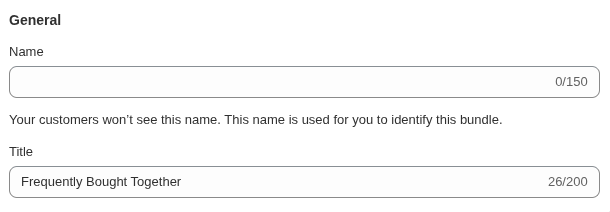
You can set a name and title for the bundle to display in the Bundle Wave panel and to your customers. The name is only visible to you, but the title will appear in the bundle widget for your customers.
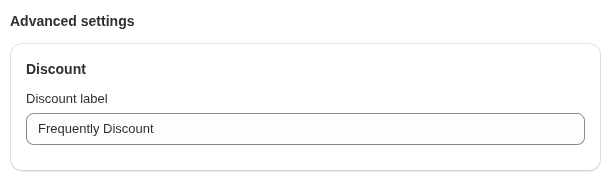
6. Set discount label
This label appears on the discounted bundle items in your cart.
7. View your bundle on your shop
You can view your bundle on your shop from the "Preview" button in the right-hand corner of the "Update bundle" page and view your bundle in Store.
