Common Settings to Create bundle
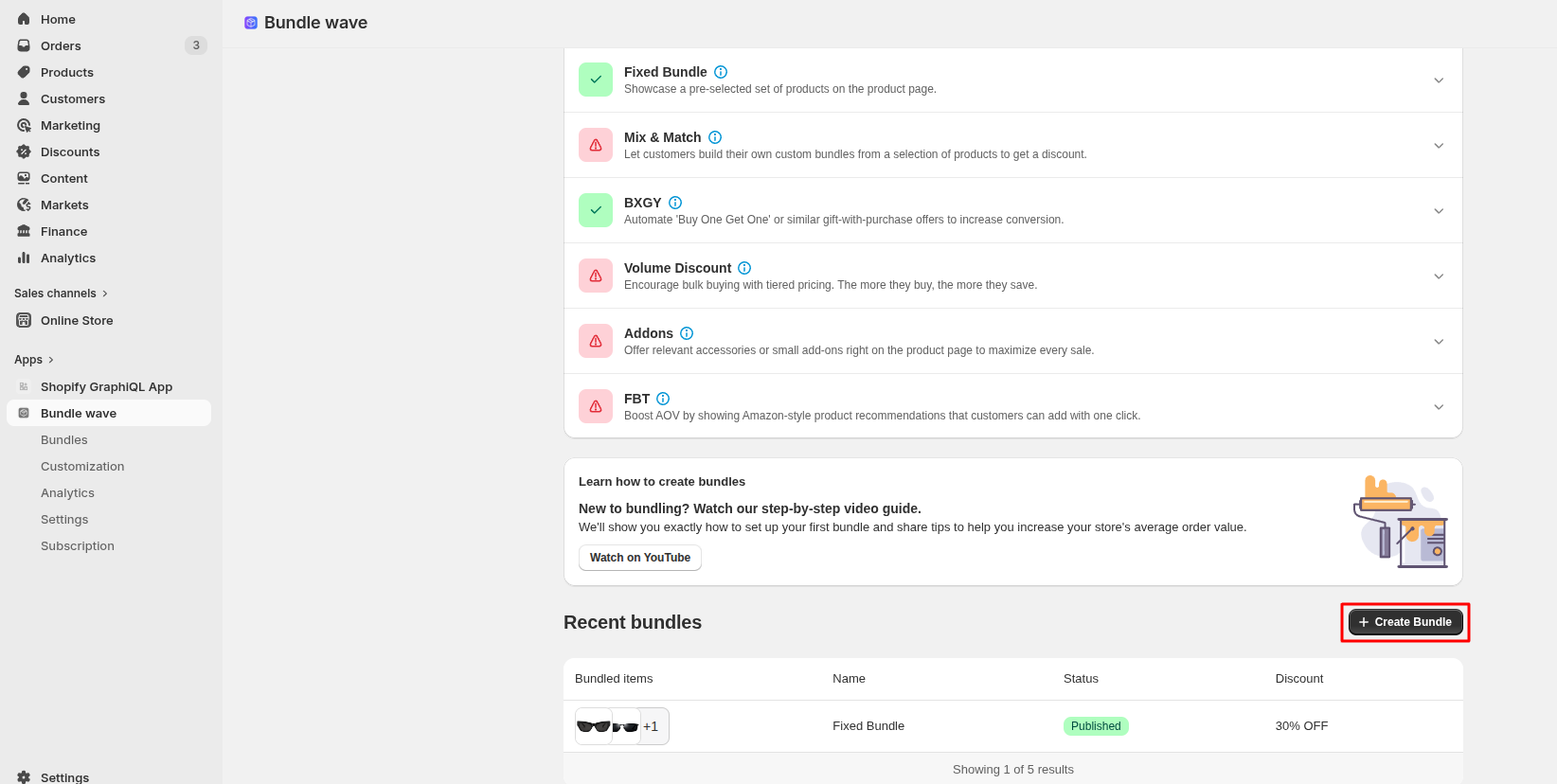
1. Create Bundle
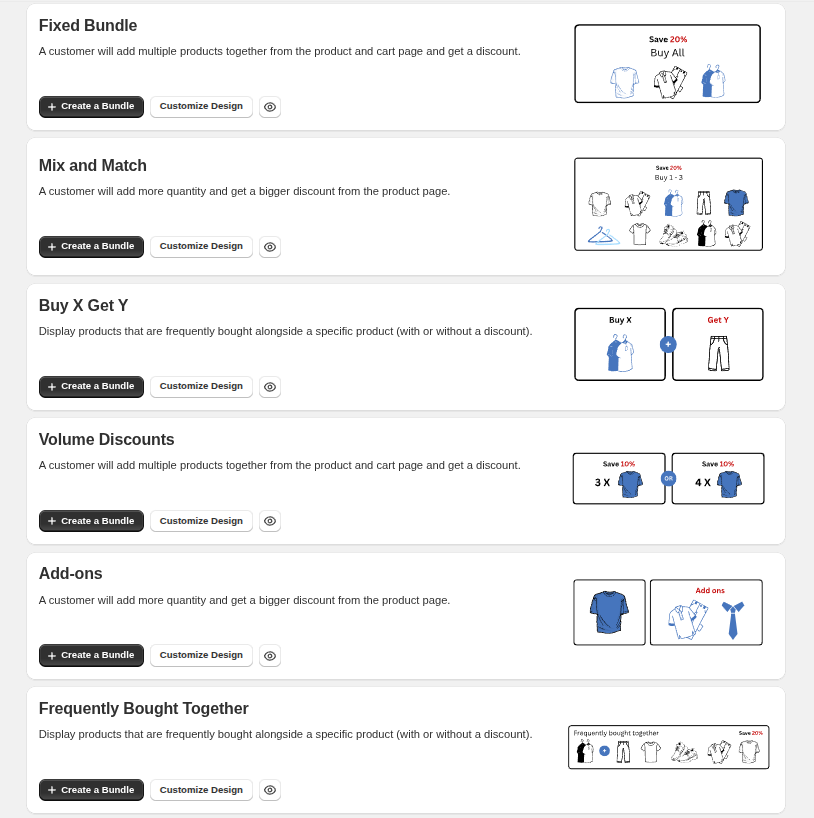
2. Choose Different Discount Options
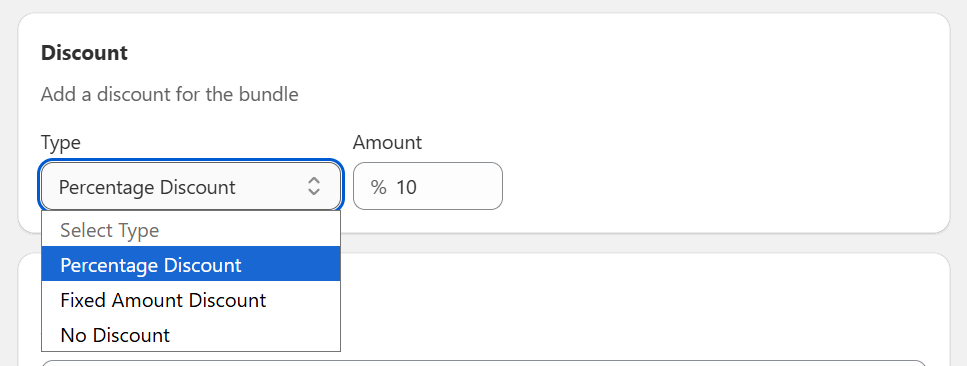
Percentage Discount : This option applies a percentage-based discount to the entire bundle
Fixed Discount : This option applies a fixed discount amount, which is automatically distributed across all products in the bundle
No Discount : This option allows you to create a bundle without applying any discount
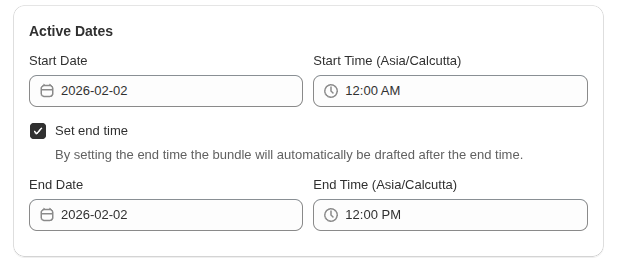
3. Choose Bundle Active Dates
Use Active Dates to control when your bundle becomes available and when it should stop selling.
Start Date & Time : Set the date and time when the bundle should go live. The bundle will automatically become active at the selected start time
End Date & Time : Enable Set end time if you want the bundle to expire automatically. Once the end date and time are reached, the bundle will be moved to Draft status
4. Click on the Save button, and you are done!
