Locks
Common Settings to Create/Edit lock
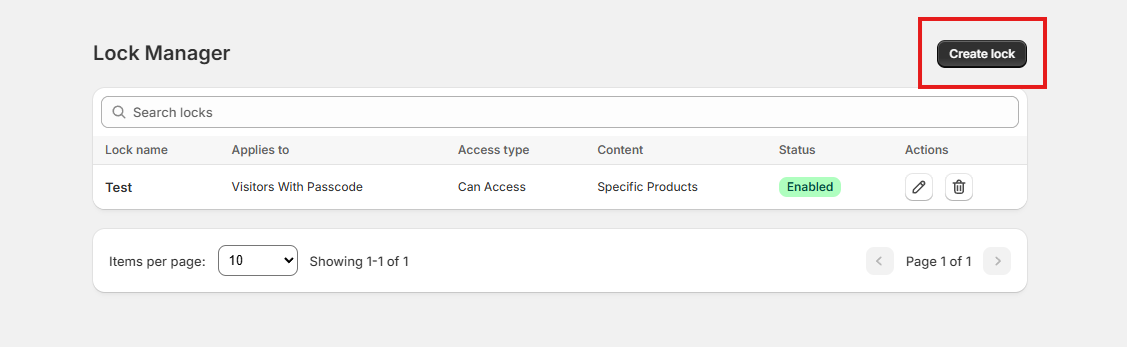
1. Create Lock
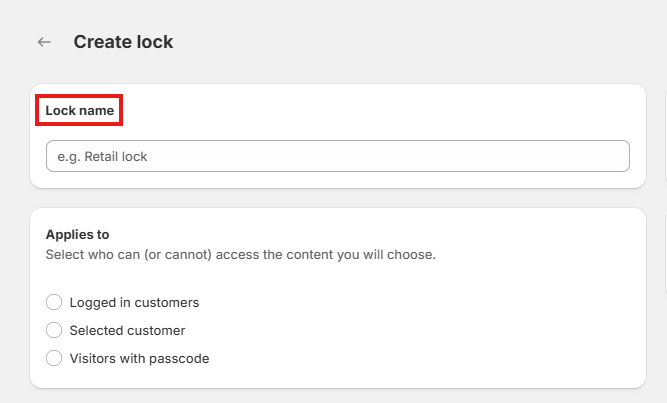
2. Lock name
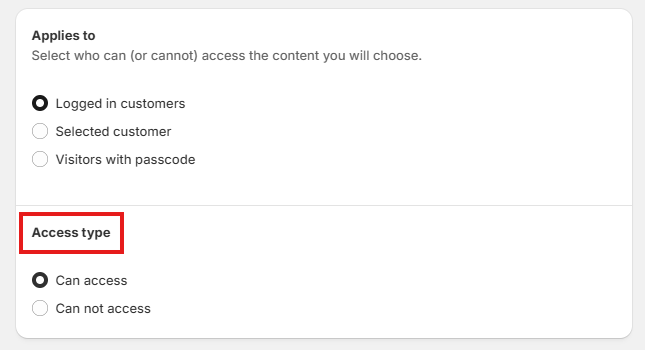
3. Applies to

4. Access type
5. Conditions to select customers

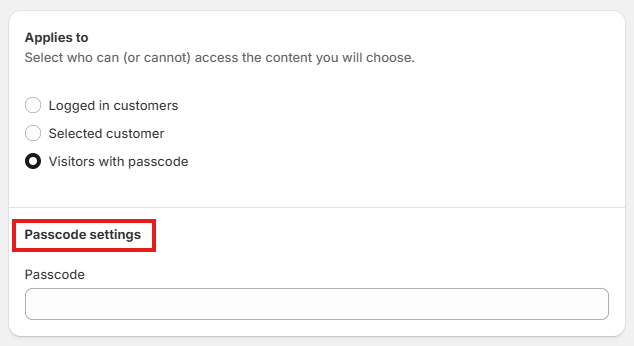
6. Passcode Settings
7. Content
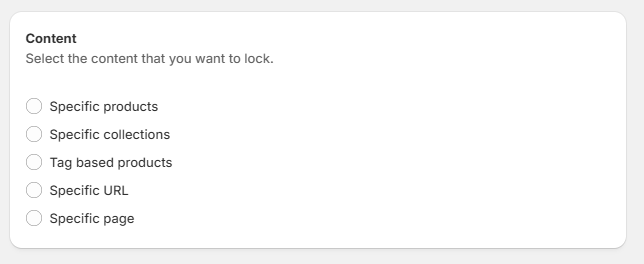
Select the content type as products, collections, URL, page which will be locked
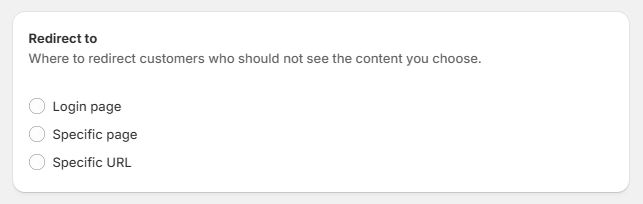
8. Redirect To
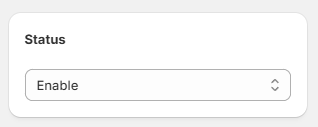
9. Status
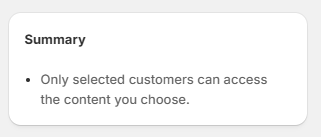
10. Summary
11. Click on the Save button, and you are done!
